
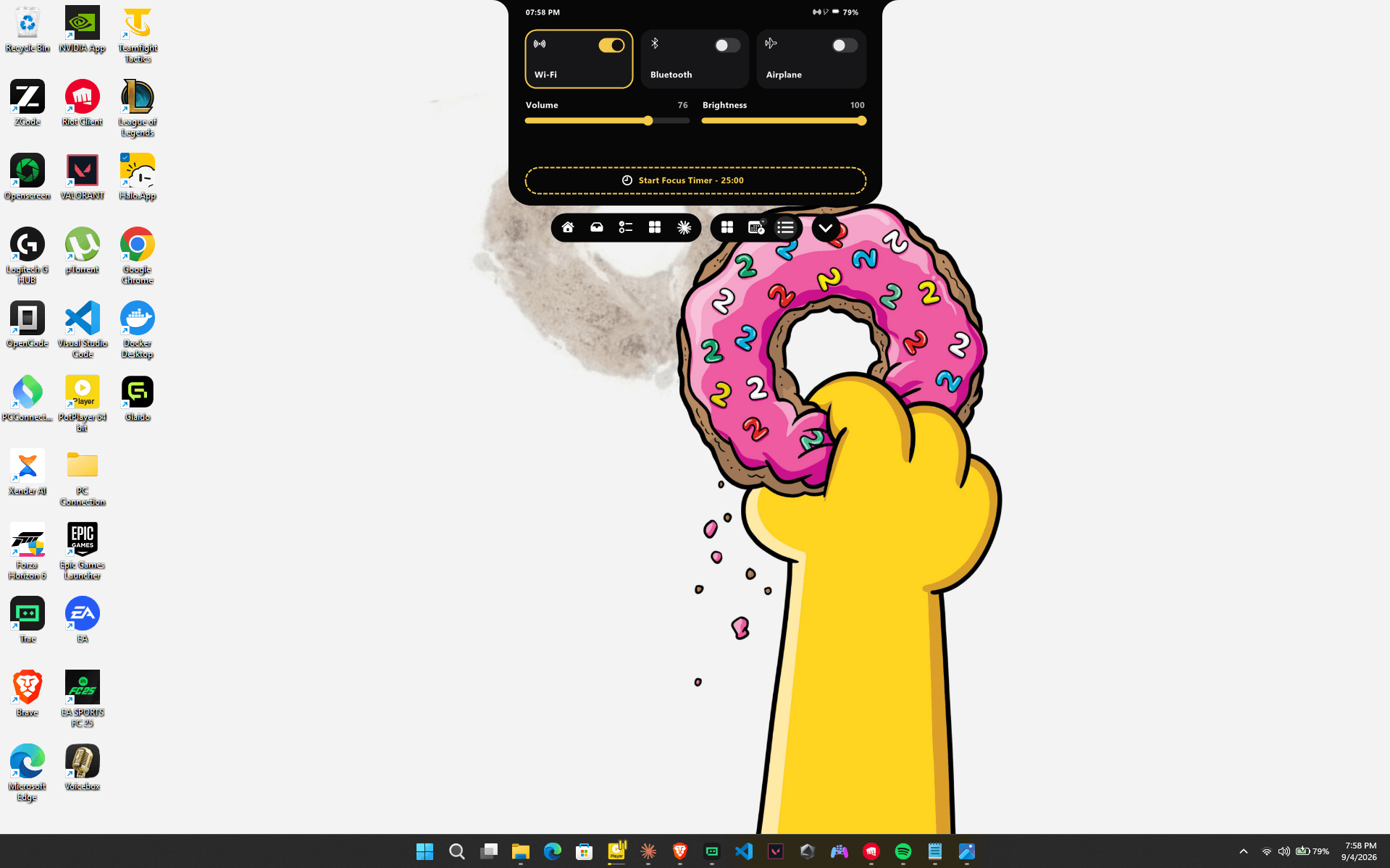
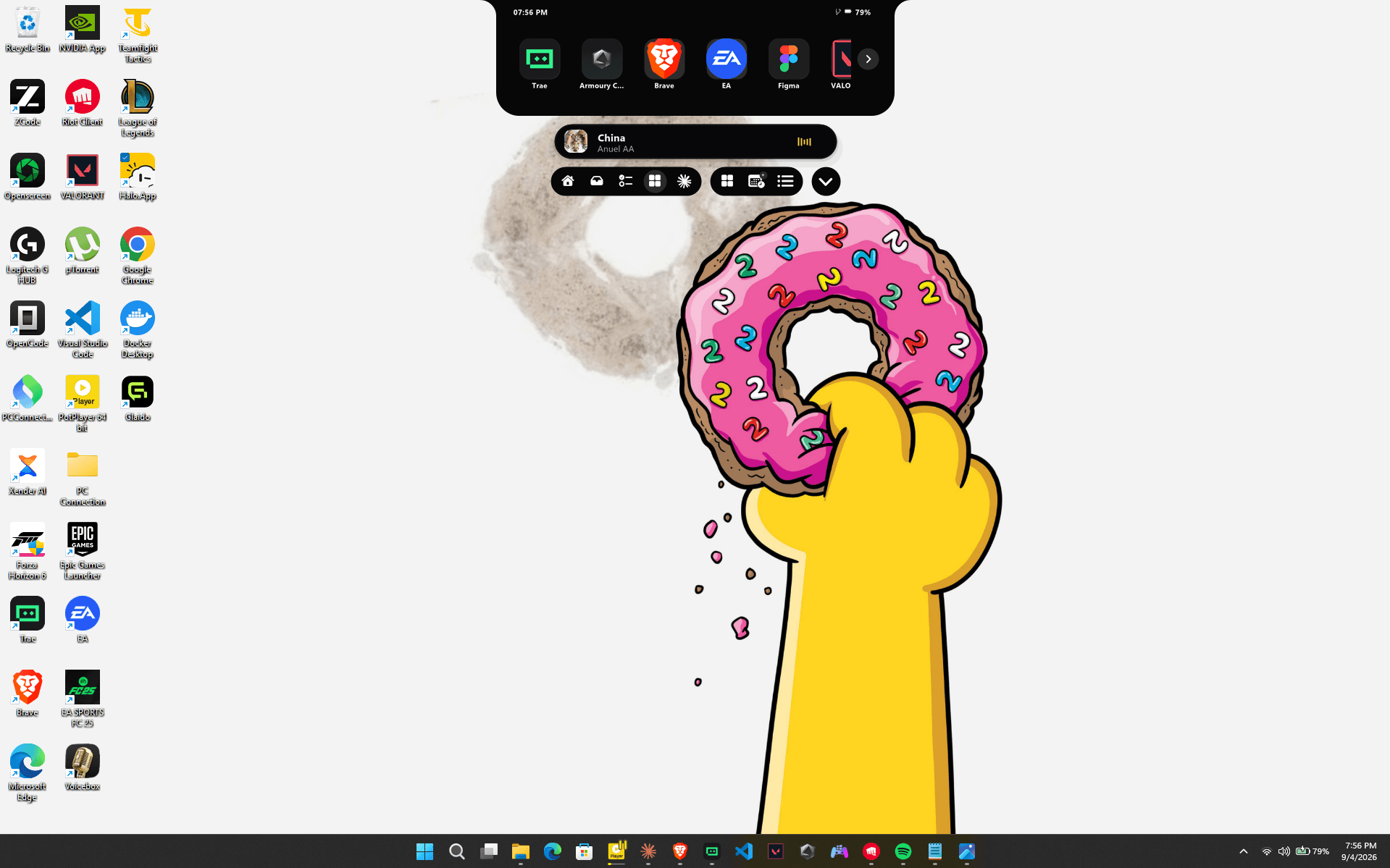
A Windows 11 desktop with Halo expanded at the top of the screen, showing live media alongside app, calendar, notes and Bluetooth modules.
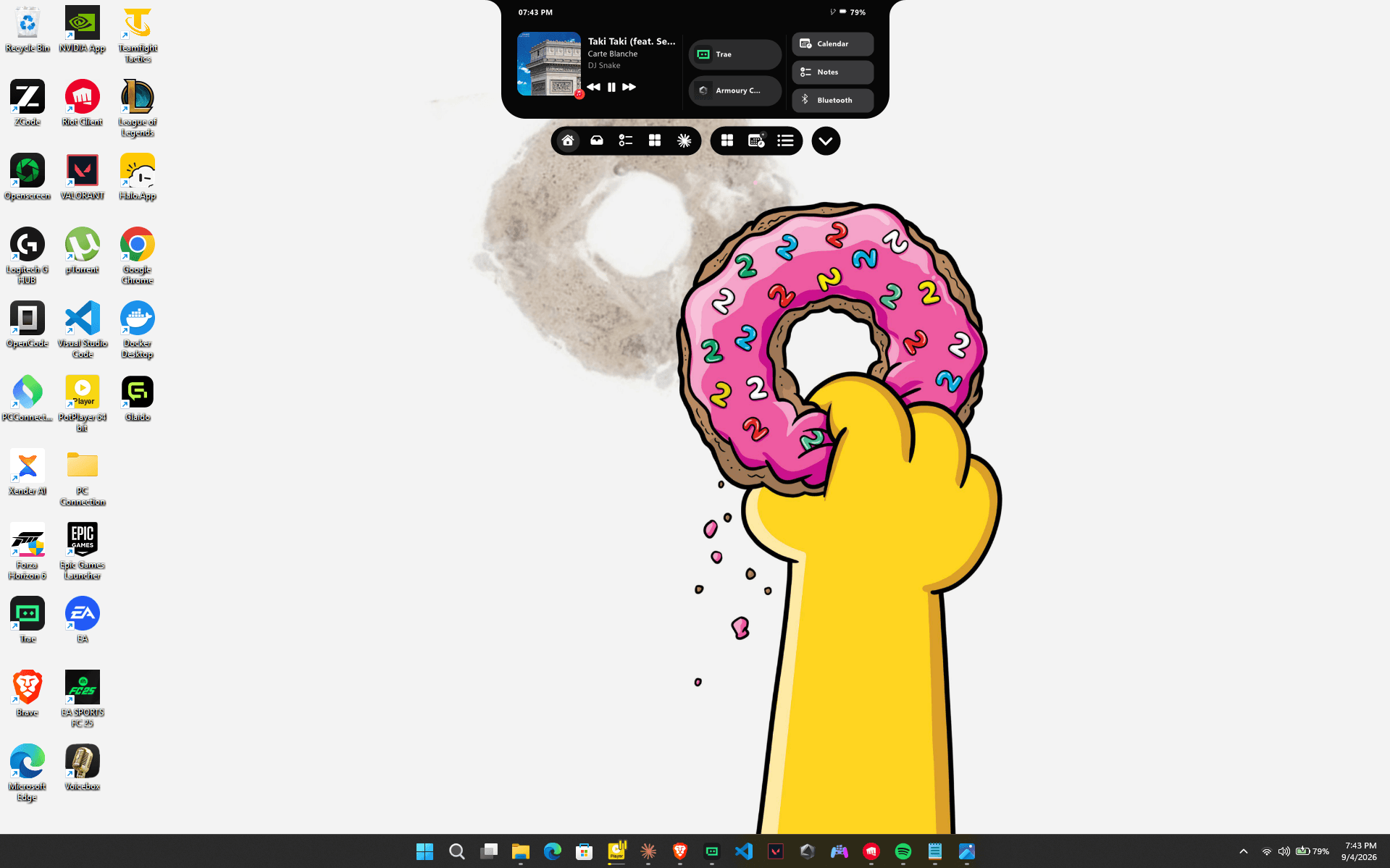
Halo — a Dynamic Island for Windows 11. Dynamic Island for Windows 11.
& stay in flow
© 2026 Halo for Windows 11
Halo is a strip of black at the top of your display where media, files, devices, and what's next stay one glance away — no window switch, no focus steal, no second thought.
built on real windows apis
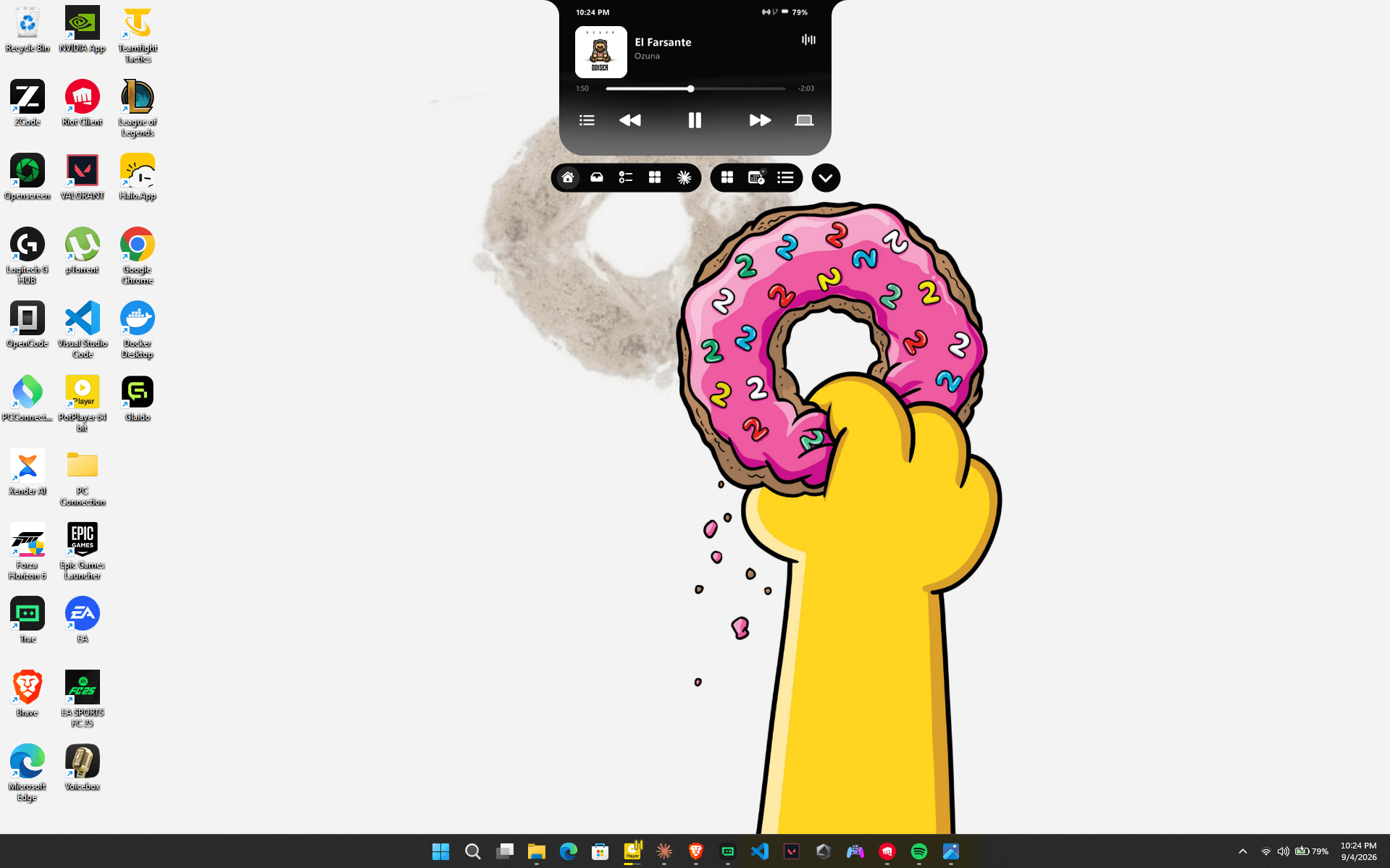
Your player lives one glance up. Play, pause, skip and seek without alt-tabbing away from whatever you were actually doing.
How it works
Halo speaks Windows media sessions, so anything that publishes to GSMTC lands in the notch. Album art decodes at high fidelity and scales bicubic, and track changes stay sticky so the strip never blinks empty between songs.
Under the hood
A compact live strip while music plays, an expanded transport with timeline and seek when you want it. Noisy apps can be excluded so a background video never expands the notch at you.
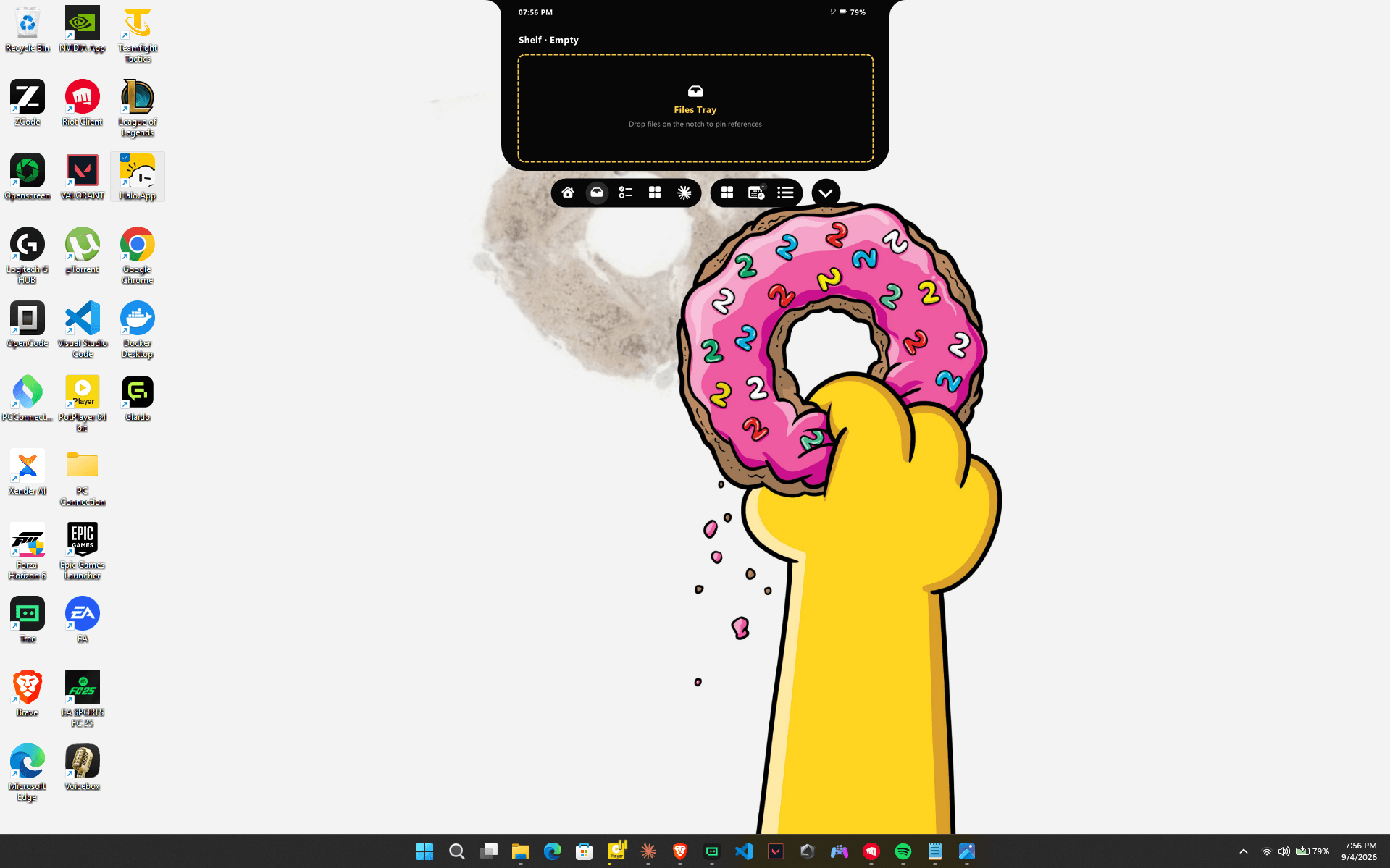
Drag a file onto the notch and it becomes a decision, not a folder you will rediscover in eight months.
How it works
Drop onto Halo and pick an action: Shelf, Share, Open with, Zip, Unzip, Convert, Move to, Copy to, OneDrive, or Music. Up to eight of them sit on the notch at once, chosen in Settings.
Under the hood
The Files Tray holds references as a temporary shelf. Open them, clear them, or drag them straight back out into Explorer when you are done.
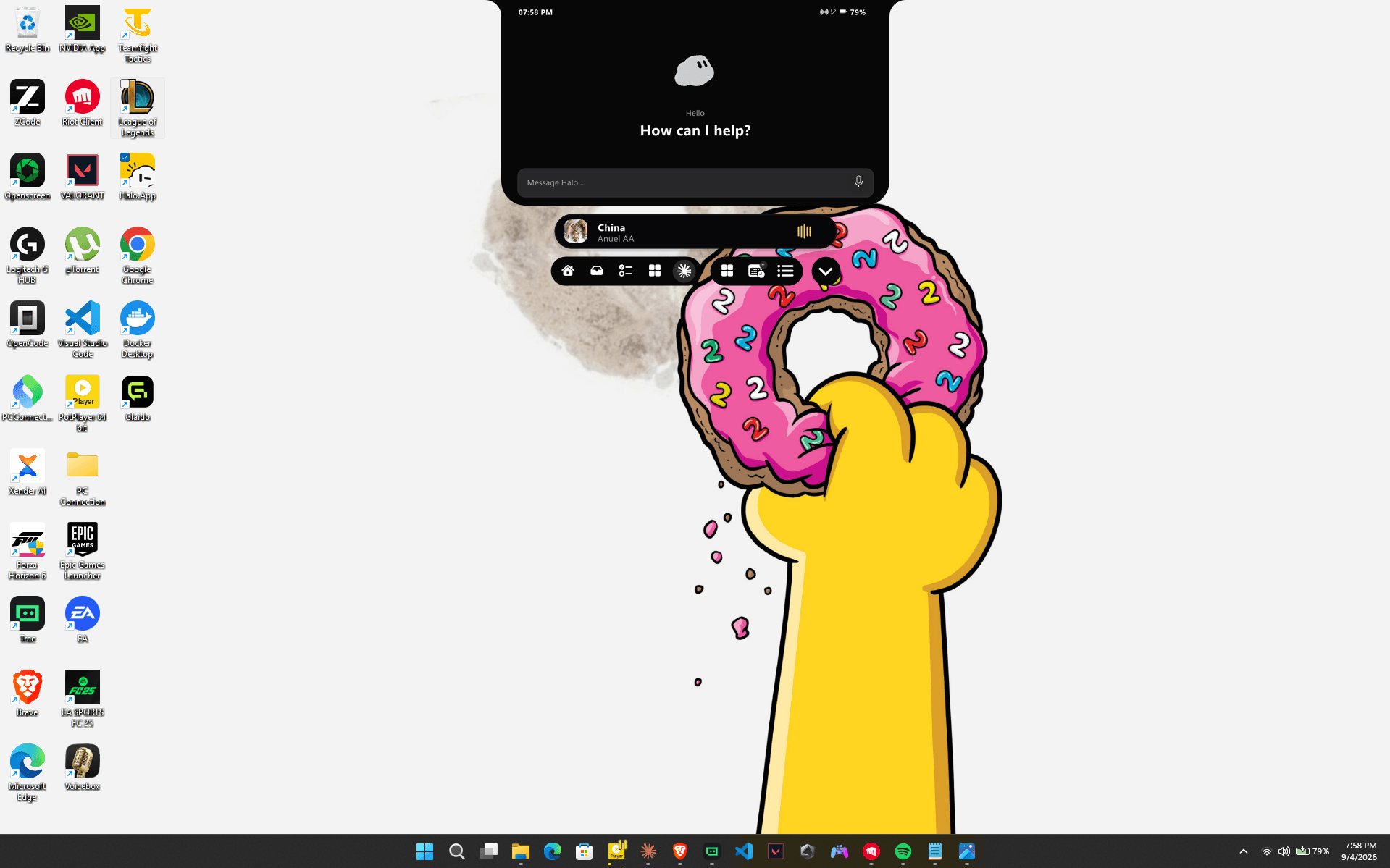
Click the face and talk. It listens on this PC, answers on this PC, and stays off until you say otherwise.
How it works
Speech runs on a downloadable Whisper model and free-form answers use an optional Gemma 3 1B. The built-in actions — timers, playback, volume, brightness, radios, calendar, clipboard and apps — need no model at all.
Under the hood
Sessions start from a face click, Win + Alt + A, the AI station, or a typed command. There is no wake word and nothing is always-listening.
It is a native Windows app, not a browser in a trench coat, and nothing about you leaves the machine.
How it works
.NET 8 with a WinUI 3 settings shell and a GDI+ layered notch surface. The window is non-activating, so whatever you are typing in keeps keyboard focus while Halo morphs above it.
Under the hood
Clipboard history is opt-in. Notes, settings and any downloaded models live under your local app data and can be deleted whenever you like. No cloud account is required for the core product.
counted, not claimed
Halo by the numbers
10/ languages
Station labels, modules and settings switch together — or just follow Windows.
Appearance
0/ cloud accounts
Clipboard, notes and settings stay on this PC. Nothing to sign into.
Privacy
3/ chrome levels
Idle, compact and expanded, with spring-like morphs and no focus steal.
Surface
10/ drop actions
Shelf, Share, Open with, Zip, Unzip, Convert, Move, Copy, OneDrive, Music.
Files
1B/ params, offline
An optional Gemma 3 1B answers free-form questions with no network at all.
On-device AI
3/ global hotkeys
Open Settings, toggle media expand, talk to Halo. All rebindable.
Shortcuts